

Networks Built for Today's Device Load
Networking in Tarzana for large homes and commercial properties with dead zones, dropped connections, and systems that depend on reliable coverage
Large single-family estates and established homes throughout Tarzana were wired for a device count that no longer reflects how those properties are actually used. Original construction in many of these homes predates structured cabling standards, meaning the network was never part of the build plan—it was retrofitted after the fact, often with consumer-grade equipment placed wherever it was convenient rather than where coverage required it. Foremost Automation designs and installs residential and commercial networking in Tarzana as a deliberate infrastructure layer, not a patch over an existing problem, so cameras, audio, lighting, and automation all run from a single reliable backbone.
The crew begins by surveying the property to map signal coverage and calculate device load before any cabling is run. That survey determines where access points need to be placed for consistent wireless coverage and where hardwired drops are necessary for devices that cannot tolerate any packet loss—cameras and control processors being the primary examples. Cabling is run and terminated to those locations, access points are mounted at positions determined by the survey rather than by convenience, and the full configuration is completed on site before the customer is walked through how the network is managed.
Request a property survey to identify where your current infrastructure is limiting the systems that depend on it.
Why the Backbone Determines Everything Else
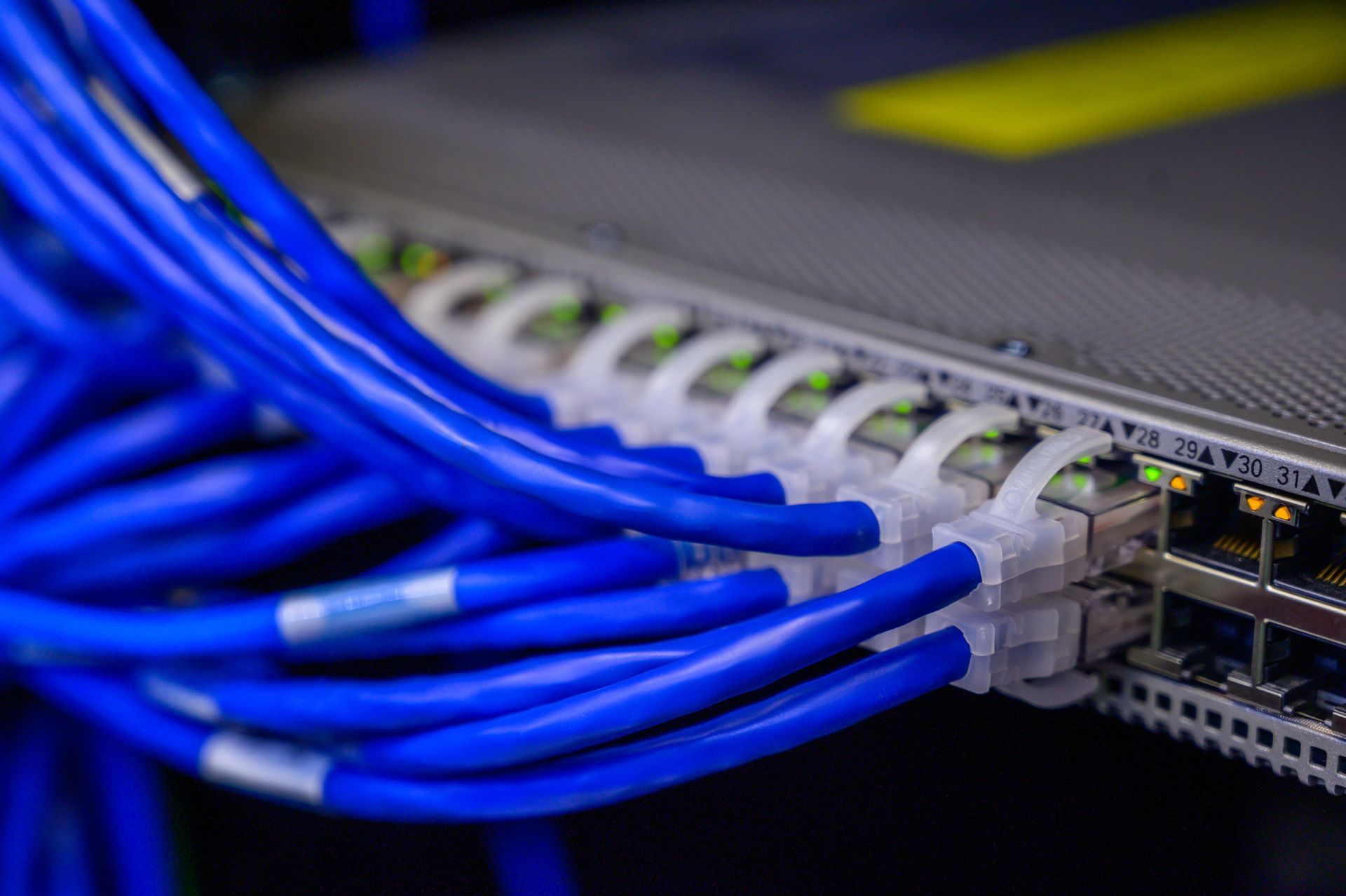
A professionally installed network differs from a consumer setup in how it handles device load and traffic separation. Enterprise-grade access points maintain consistent throughput as device count increases rather than degrading under load, and the network can be segmented so that security cameras operate on a separate VLAN from personal devices. This means a problem on one part of the network does not propagate to systems that need to stay online. In established Sherman Oaks and Tarzana homes where renovation phases have introduced cabling from multiple eras, identifying which runs are still viable and which need to be replaced is part of the survey work before any new hardware is specified.
After the installation is complete, the practical change is straightforward: devices connect where you expect them to, streaming does not buffer in rooms furthest from the router, and camera feeds load without delay. The dead zones that pushed users toward signal extenders—which create their own handoff problems—are resolved through proper access point placement rather than workarounds.
Because Foremost Automation installs the cameras, audio distribution, and automation that operate over the network, the network itself is sized and configured around those systems from the start. That is a different outcome than having a networking contractor design infrastructure without knowing what load the automation system will place on it.
What Property Owners Ask About the Work
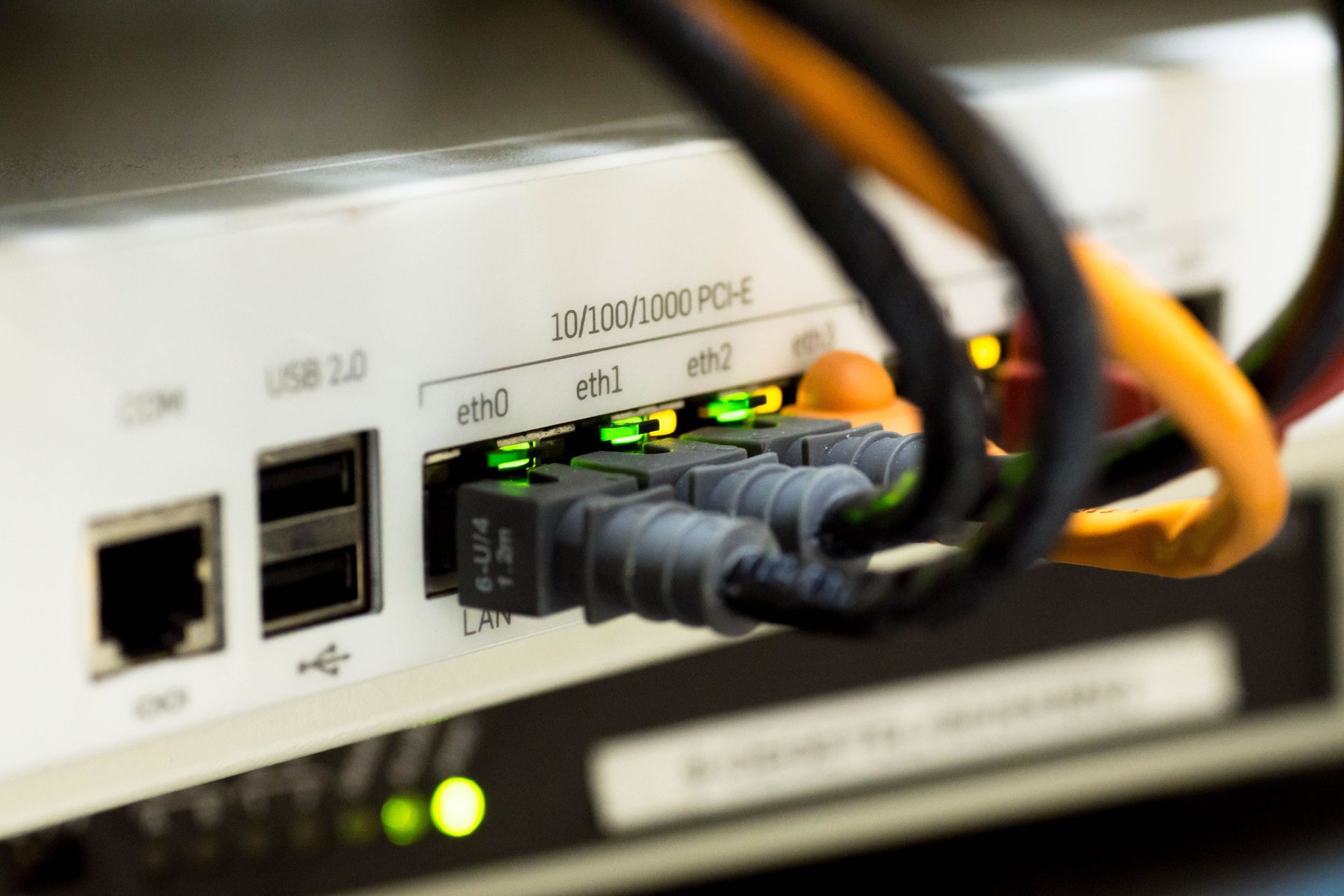
Home and business networking installations involve decisions about cabling, access point placement, and configuration that affect how every connected system performs. These questions address the process and what property owners should understand before work begins.
What does the property survey involve before installation begins?
The technician walks the full property with a signal meter to identify coverage gaps, notes where device concentrations are highest, and evaluates the existing cabling to determine what can be reused and what needs to be replaced before the installation plan is finalized.
Why does access point placement matter more than the brand of equipment selected?
Even high-performance access points cannot compensate for poor placement, because radio signals attenuate through walls and floors at predictable rates, and an access point mounted for convenience rather than coverage will leave gaps regardless of its rated throughput.
How does a network installation handle a home with wiring from multiple renovation phases?How does a network installation handle a home with wiring from multiple renovation phases?
Older cabling is tested for continuity and signal integrity at both ends before it is included in the new plan, because termination quality and cable category determine whether a run can carry the speeds that modern devices require.
What is the difference between a dedicated hardwired drop and a wireless connection for security cameras?
Hardwired cameras do not compete for wireless bandwidth and are not affected by interference or access point load, which is why cameras and control processors are typically connected via ethernet even when the rest of the property uses wireless.
How are access points in Tarzana properties managed after the installation is complete?
The network is configured so that access points can be monitored and updated remotely, and the customer is shown how to check device connections and reboot equipment from the management interface before the crew leaves the site.
Foremost Automation also installs networking in Burbank, Glendale, Pasadena, Santa Monica, and Thousand Oaks. To schedule a property survey and review your current infrastructure, call Foremost Automation at (818) 660-5580.