

Coverage Mapped to Every Entry and Blind Spot
Security camera installation in Tarzana for estates and larger homes where driveway, perimeter and entry coverage must account for wide lots and multiple access points
Larger single-family properties across Tarzana and the surrounding Valley frequently present a camera placement problem that smaller urban lots do not: the gap between where a camera is easiest to mount and where it actually needs to point to cover a long driveway, side yard or detached structure is wide enough that placement decisions made without a property walkthrough routinely leave blind spots. Foremost Automation installs security camera systems for homes and businesses in Tarzana by starting every project with a property walk to identify those gaps before any hardware is mounted. Cameras are connected to a recorder that stores footage with motion detection and night vision, and can be integrated with an alarm system and access control through the same company.
The walkthrough is used to determine camera positions for entries, driveways, gates and structural blind spots, then cabling is run, cameras are mounted and the recorder is configured with motion zones and remote viewing enabled. Because one company handles cameras, access control and automation together, the camera system does not need to be treated as a separate installation with a separate control interface—coverage, alerts and remote access all operate from one platform.
To get a clear picture of which positions would cover your property's entries and perimeter, schedule a site walk with Foremost Automation before selecting hardware.
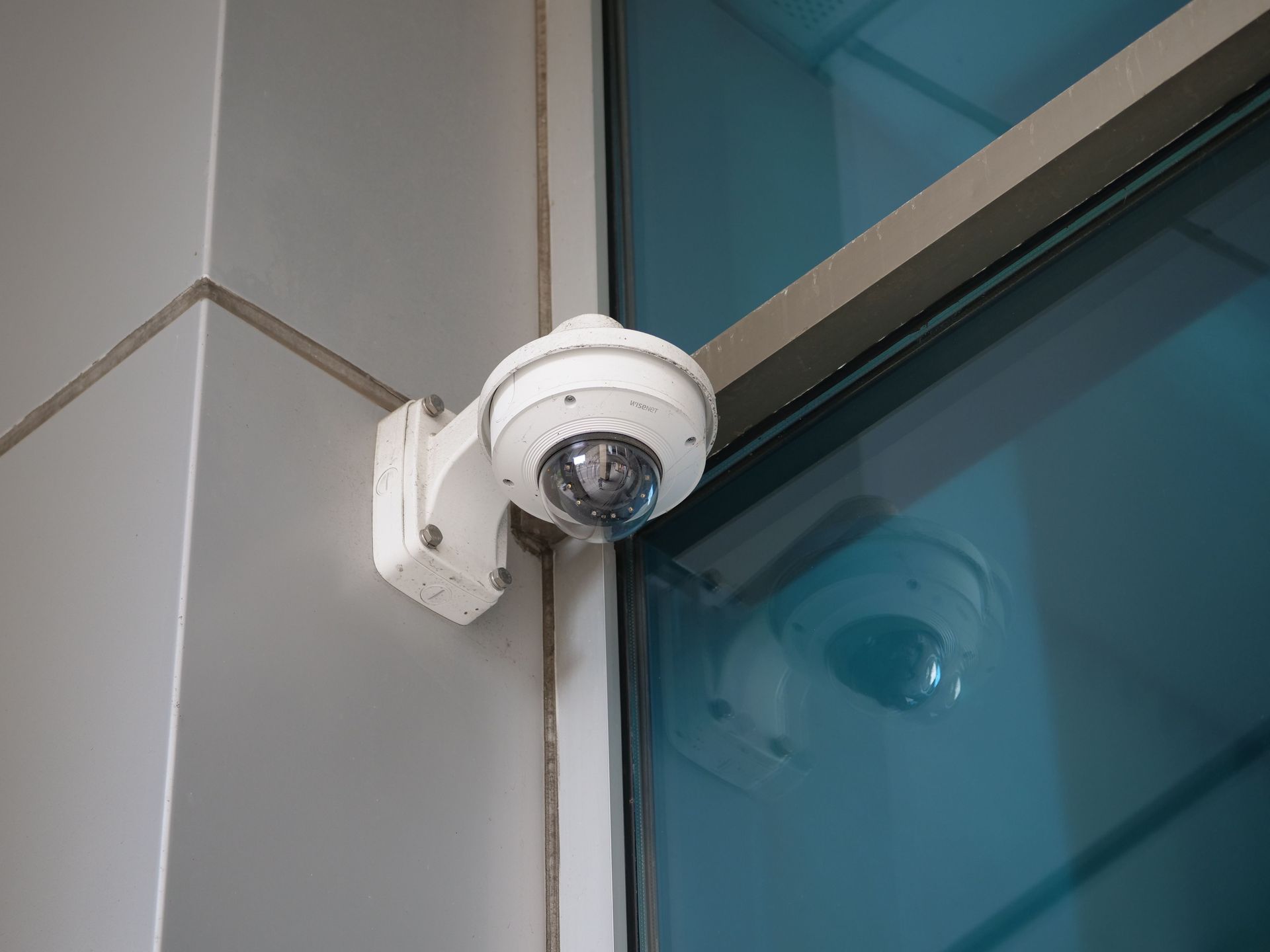
What Security Camera Installation Actually Accomplishes
Camera position, lens angle and recorder configuration are the three variables that determine whether a system produces usable footage or just fills storage with wide-angle video that does not identify faces or plates. During installation, Foremost Automation sets motion detection zones so that alerts trigger on relevant activity—a person approaching the front entry or a vehicle moving up the driveway—rather than on background motion at the edge of frame. Night vision and resolution settings are configured for each camera's specific distance and lighting conditions at that position.
Once the system is running, remote viewing lets you check live and recorded footage from any device with the app installed, and motion alerts arrive in real time when zones are triggered. The recorder retains footage continuously or on motion, depending on configuration, so specific incidents can be located by time, camera and zone without reviewing hours of unrelated recording. Properties in areas like Woodland Hills and Calabasas, where lot widths and setbacks often require longer cable runs and higher-mounted cameras to achieve effective perimeter coverage, benefit from having those installation variables addressed during the site walk rather than after mounting.
Gate cameras and driveway cameras involve different mounting heights, cable routing and lens selections than front-door cameras, and each position is treated as its own specification decision rather than a repeat of the same hardware. Integration with an existing or new alarm system adds a layer where camera motion events can trigger alerts through the alarm panel rather than only through the camera app.
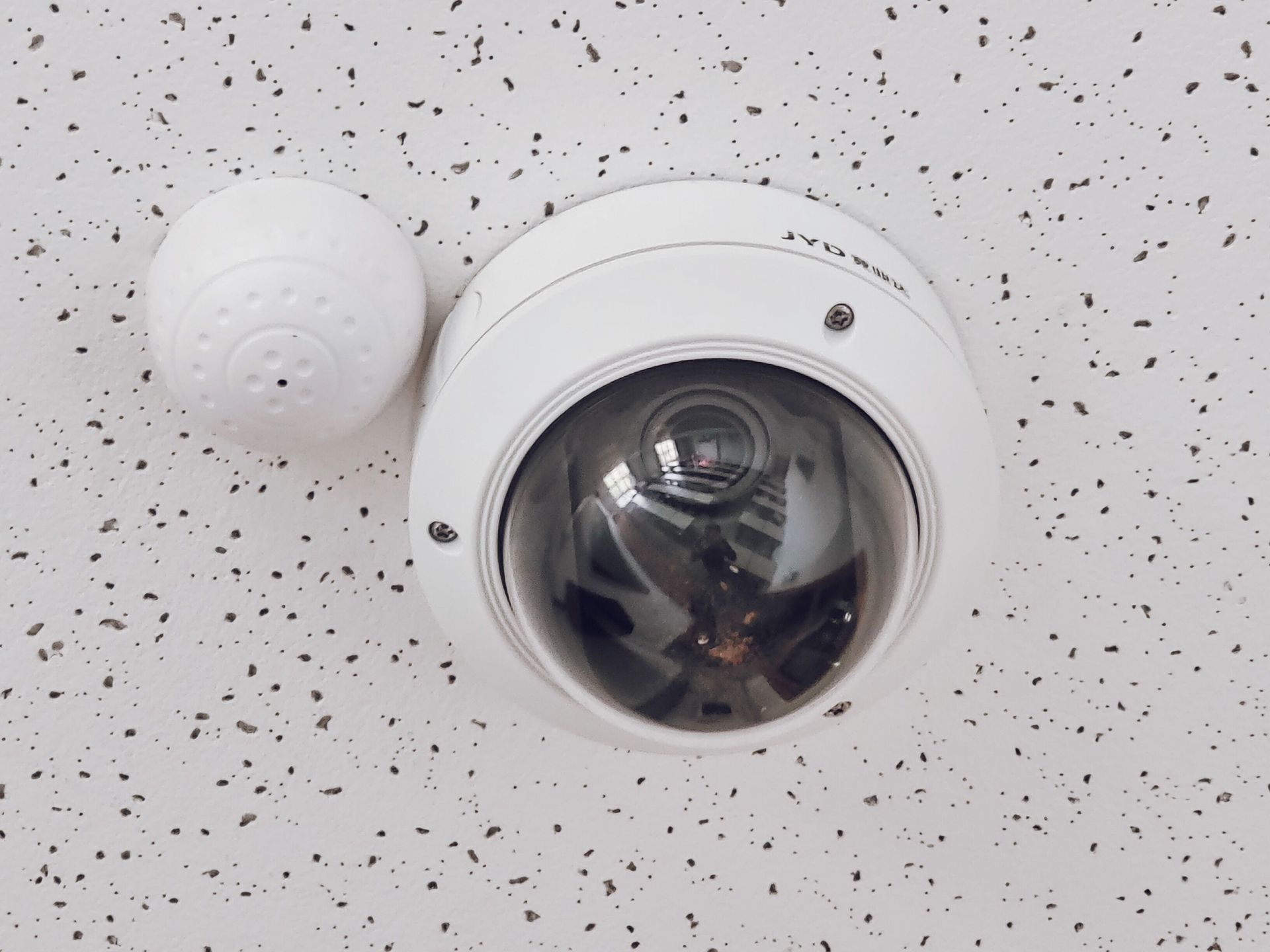
Common Questions About This Service
These questions address how security camera installation is planned and executed, covering placement decisions, cabling, recorder configuration and what the finished system allows you to do.
How are camera positions decided during the property walkthrough?
Each position is evaluated for field of view at the relevant distance, cable routing feasibility back to the recorder location, mounting height for the target coverage area—gate, entry, driveway or blind spot—and overlap with adjacent camera zones so that no approach to the property falls outside recorded coverage.
What is the difference between motion zones and continuous recording on the recorder?
Motion zones tell the recorder and alert system which areas within a camera's frame should trigger an event, so alerts and flagged clips are limited to relevant activity; continuous recording captures everything the camera sees regardless of motion, which is useful for reviewing incidents that did not trigger an alert.
Why does cable routing matter for a property with a long driveway or detached structure?
Cable runs over long distances require the correct gauge and shielding to maintain signal quality, and routing through finished exterior surfaces or underground requires conduit and weatherproofing that must be planned before installation begins to avoid surface-run cable exposed to the elements.
How does night vision performance vary by camera position and distance?
Night vision range and clarity depend on the camera's infrared output and the distance to the subject—a camera positioned to cover a twenty-foot entry path requires a different specification than one covering a sixty-foot driveway, and placing the wrong specification at a position results in footage that is too dark to be useful at night.
What does integrating cameras with an alarm system actually change?
When cameras are tied to the alarm panel, motion events from designated camera zones can trigger alarm alerts directly, so the monitoring response includes video context rather than only a sensor signal—this also means both systems are managed through one interface rather than separately.
Foremost Automation also installs security cameras in Burbank, Glendale, Pasadena, Santa Monica and Thousand Oaks. To begin with a property walk and camera placement plan specific to your lot and entry points, call Foremost Automation at (818) 660-5580.